Aesthetic Stickers
Soft colours, simple shapes and a few well-chosen words — aesthetic stickers make planners and journals feel calm and personal. This pack gives you print-at-home sticker sheets in muted pastel and neutral palettes: sparkles, moons, clouds, flowers, tabs for headings and word labels, ready to print on sticker paper and cut.
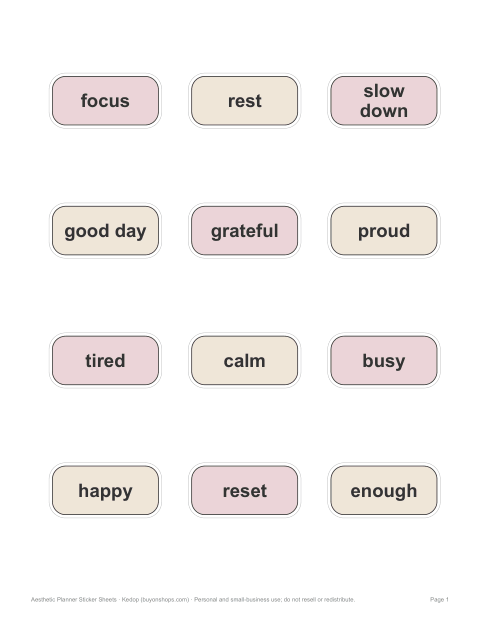
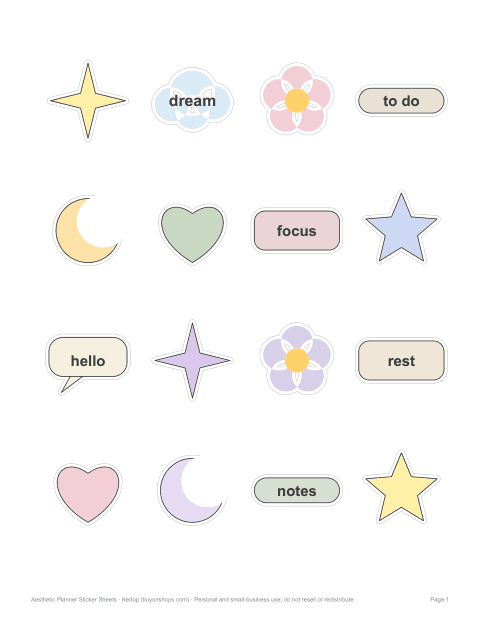
Aesthetic Planner Sticker Sheets
Six printable aesthetic sticker sheets — sparkles, clouds, flowers, heading tabs, mood words and a mix — in soft pastel and neutral palettes, plus a printing and cutting guide.
- Soft sparkles (PDF)
- Cloud days (PDF)
- Pressed flowers (PDF)
- Heading tabs (PDF)
- Mood words (PDF)
- Mix sheet (PDF)
- Printing & cutting guide (PDF, DOCX)
Formats: PDF, DOCX. Instant download after payment (link valid 72 hours, up to 5 downloads). AI-assisted: the templates were drafted with AI help and reviewed and laid out by Kedop.
$5.00 USD, one-time
Secure card checkout by Stripe. Full refund within 7 days — see the refund policy and license.
What “aesthetic” stickers usually look like
In journaling and planning, “aesthetic” describes a cohesive, calm look: a limited palette of muted or pastel colours, clean shapes, lots of white space and understated lettering. Rather than bright cartoon characters, aesthetic stickers lean towards sparkles, crescent moons, clouds, simple flowers, tabs and small word labels such as “focus”, “rest” or “today”. The goal is a page that looks put together without effort.
Sheets in this pack
| Sheet | Includes | Palette |
|---|---|---|
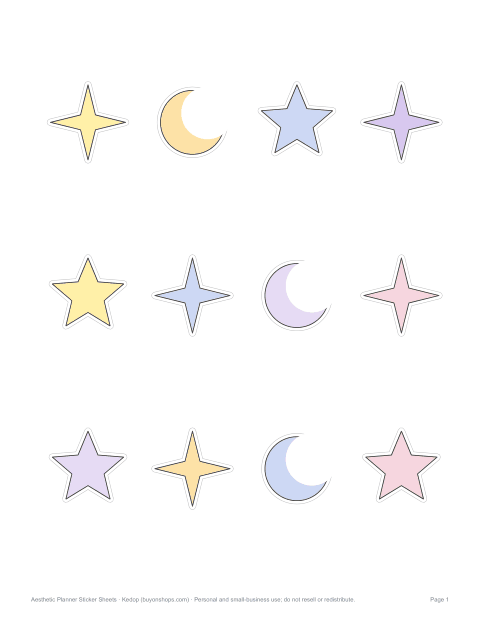
| Soft sparkles | Four-point sparkles, stars and moons | Butter yellow, powder blue, lilac |
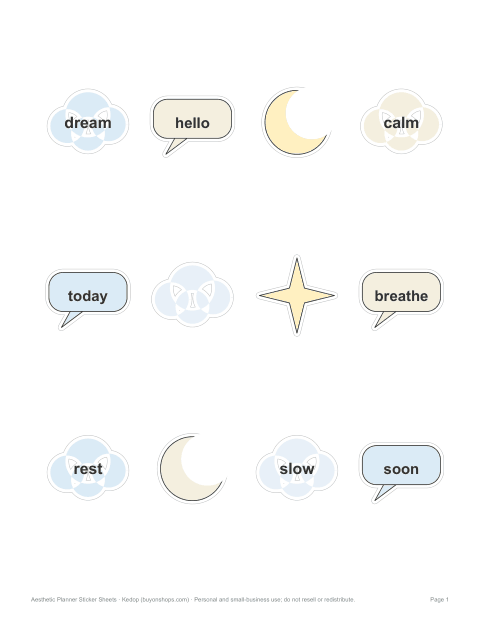
| Cloud days | Clouds, moons and speech bubbles with short words | Sky blue and cream |
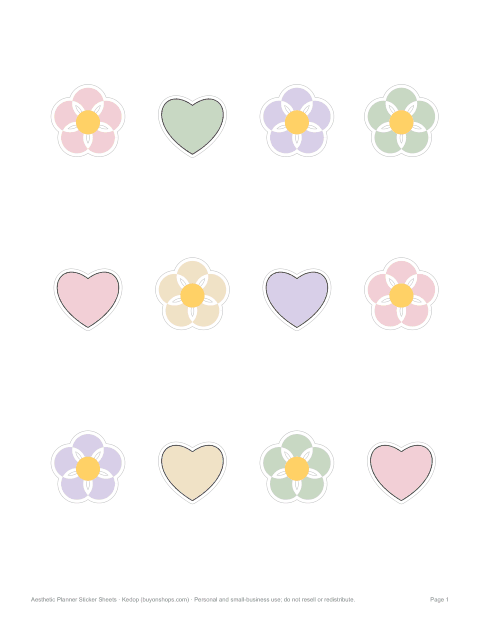
| Pressed flowers | Five-petal flowers and hearts | Blush, sage and lavender |
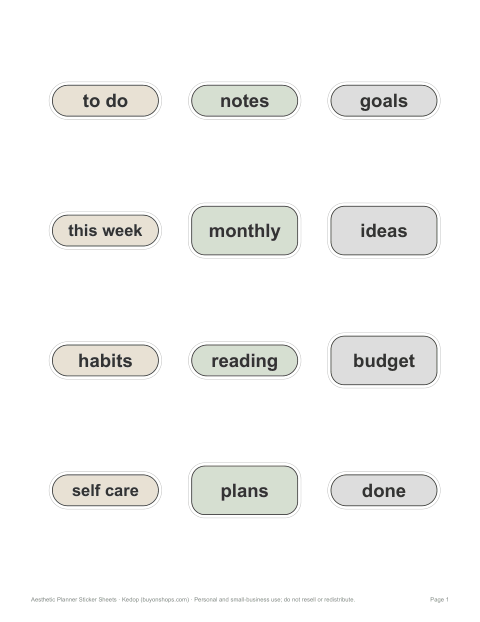
| Heading tabs | Rounded tabs and labels: to do, notes, goals, this week | Neutral beige, grey and sage |
| Mood words | Labels: focus, rest, slow down, good day, grateful | Dusty pink and oat |
| Mix sheet | A little of everything | All palettes together |
Using stickers in a bullet journal or planner
- Headings — a tab sticker at the top of a spread labels the page instantly.
- Highlights — a sparkle next to a key date or task draws the eye without clutter.
- Habit trackers — small stars or dots mark completed days.
- Mood tracking — word labels or colour-coded shapes record how each day felt.
- Covering mistakes — a label or cloud hides a crossed-out word neatly.
- Restraint — one or two stickers per page usually looks more “aesthetic” than many.
Printing tips for soft colours
Pastel and neutral colours are the hardest to print accurately at home, because printers vary in how they lay down light tints. Print one test sheet on plain paper to check colours, and adjust the brightness in your print settings if needed. Matte sticker paper gives a soft, paper-like finish that suits the aesthetic look; glossy paper makes colours brighter. Use the best quality setting and let the ink dry before cutting.
Cutting by hand or with a machine
Each sticker sits on a white border with a faint grey outline to cut along, so hand-cut stickers keep a tidy white edge. Small detail scissors work well for curves; a craft knife and cutting mat help with tabs and labels. If you have a cutting machine with a print-then-cut feature, import the PDF page as an image, set the cut line around each design, and print with registration marks.
Matching your planner
Choose one or two sheets per month so pages feel consistent, and pair sticker colours with your pens and highlighters — for example sage tabs with a sage fineliner for headings. Keeping the same heading tabs across months creates continuity, while mood-word stickers can change with the season of your life rather than the calendar.
Who it is for
Bullet journal and planner users, scrapbookers, students decorating notebooks, and anyone who likes a calm, cohesive look for laptops, water bottles (with laminate) and gift wrapping.
Formats
Sticker sheets are print-ready PDFs on US Letter; they print on A4 with “Fit to page” (stickers will be slightly smaller). Each sheet has 12 stickers about 1.5–2 inches across.
A calm page in five minutes
- Pick one sheet and two pen colours that match it.
- Place a heading tab at the top of the page.
- Add one sparkle or moon next to the most important task.
- Use a mood-word label at the end of the day.
- Leave the rest of the page white — space is part of the look.
Keeping to this small routine stops sticker pages becoming cluttered and makes each spread look consistent with the last.
Personal use
The stickers are for personal use — decorating your own planners, journals, cards and gifts. You may not resell the sticker designs or the printable files, including as printed stickers.
Frequently asked questions
What paper do I print stickers on?
Printable sticker paper (matte or glossy) for inkjet or laser printers, matching your printer type.
What size are the stickers?
About 1.5–2 inches across, 12 per US Letter sheet.
Can I use a cutting machine?
Yes, with print-then-cut: import the page, add the cut line and print with registration marks.
Are the stickers waterproof?
Not by default; cover with clear laminate sheets for water resistance.
Was AI used to create the stickers?
The stickers were drawn by script from simple shapes, with colour palettes and words chosen with AI assistance and reviewed by Kedop.